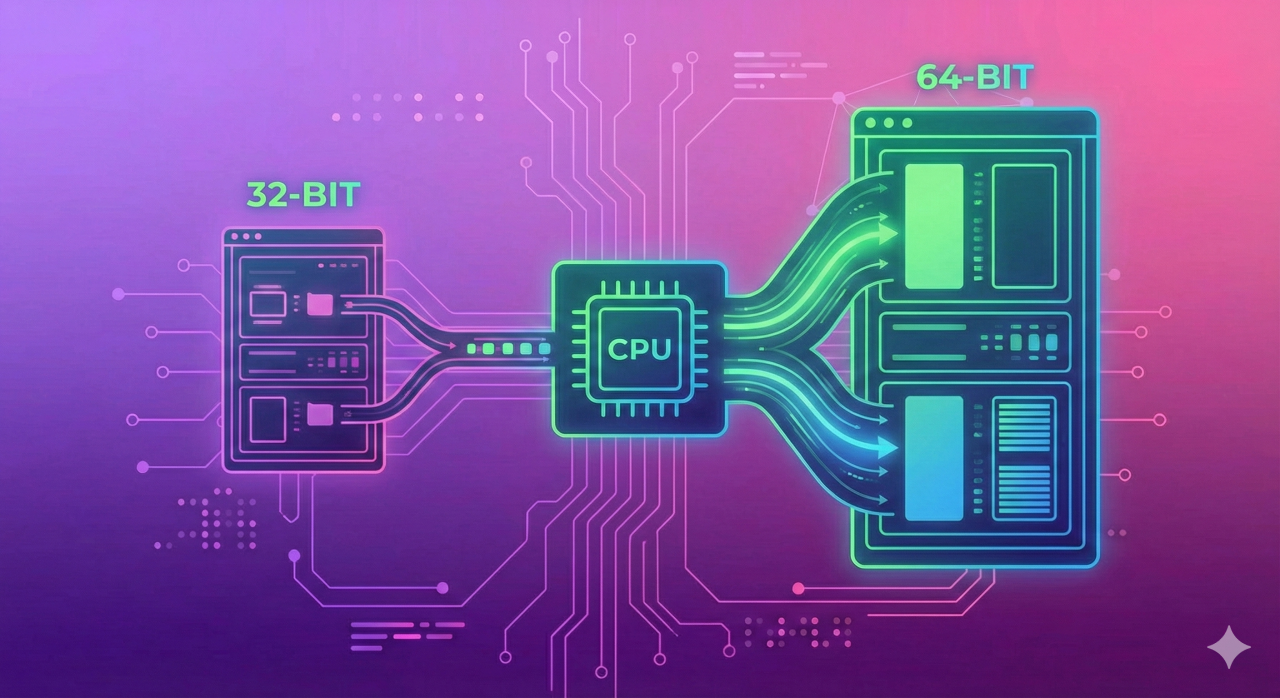
When ordering a VPS or choosing an OS image, there is almost always a choice of architecture: 32-bit or 64-bit. Most people just pick 64-bit by default — which is correct. But understanding what the difference actually is, and why 32-bit systems are fading out, is worth a few minutes.
What Bitness Is and Why It Matters
Bitness refers to the size of the machine word: how many bits a processor can process in one cycle and, more importantly, how many memory addresses it can work with.
Think of it as the size of a bucket used to carry data for processing. The bigger the bucket, the more fits in one trip.
In practical terms:
- 32-bit processor uses 32-bit addresses → maximum RAM: 2³² bytes = 4 GB
- 64-bit processor uses 64-bit addresses → theoretical maximum: 2⁶⁴ bytes = ~17 billion GB
The real limit on modern servers is a few terabytes, but that is a hardware constraint, not an architectural one.
The Key Difference: RAM Limit
This is where the gap is most noticeable. A 32-bit system sees no more than 4 GB of RAM — physically. Even if the server has 32 GB installed, a 32-bit OS will use only 4 GB. The rest simply does not exist as far as the system is concerned.
There was a workaround — PAE (Physical Address Extension) — that allowed 32-bit Linux kernels to address up to 64 GB. But it was a hack with limitations: a single process still could not use more than 4 GB.
In practice: any modern VPS with more than 4 GB of RAM requires a 64-bit OS. Otherwise the extra RAM is wasted money.
Performance: Is There a Difference?
Yes, but not always and not everywhere.
64-bit is faster for:
- large data workloads (databases, virtualization, rendering);
- multithreaded tasks — 64-bit registers process more data per cycle;
- floating-point operations.
32-bit is not slower for:
- simple tasks with small data;
- lightweight utilities and scripts.
For server workloads — web, databases, containers — 64-bit is always the better choice.
Software Compatibility
A 64-bit OS can run both 64-bit and 32-bit programs (on Linux this requires lib32 packages or multiarch support). The reverse is not possible: a 32-bit system cannot run a 64-bit binary.
Most modern server software is only distributed in 64-bit builds. Node.js, PostgreSQL, Redis, Docker — all current versions target x86_64. 32-bit packages are either no longer updated or removed from official repositories entirely.
Ubuntu, for example, dropped 32-bit server images starting from version 20.04 — there are no official ISOs for installation anymore.
How to Check System Bitness
To see the architecture of the current OS:
uname -m
Output x86_64 — system is 64-bit. i686 or i386 — 32-bit.
For more detail about the processor architecture:
lscpu | grep Architecture
To check whether the processor supports 64-bit mode (the lm flag — Long Mode):
grep -o 'lm' /proc/cpuinfo | head -1
If the output is lm — the processor supports 64-bit. Empty output — 32-bit only.
Architecture Names: Sorting Out the Terminology
Documentation, OS images, and package managers use various names — they all refer to the same things:
| Bitness | Synonyms |
|---|---|
| 32-bit | x86, i386, i686, IA-32 |
| 64-bit | x86_64, amd64, x64 |
amd64 got its name because AMD developed the 64-bit extension of the x86 architecture (Opteron processor, 2003). Intel later licensed it. Despite the name, amd64 runs on processors from both manufacturers.
Comparison Table
| Feature | 32-bit (x86) | 64-bit (x86_64) |
|---|---|---|
| Maximum RAM | 4 GB | Theoretically ~17 billion GB |
| Register size | 32 bits | 64 bits |
| Large data processing speed | Lower | Higher |
| Run 32-bit programs | Yes | Yes (with extra libraries) |
| Run 64-bit programs | No | Yes |
| Ubuntu 20.04+ support | No | Yes |
| Relevance for servers | Obsolete | Current standard |
What to Choose for a VPS
The answer is clear: 64-bit only. Several reasons:
Any modern VPS comes with more than 4 GB of RAM. Even entry-level plans often include 2–4 GB, and more serious configurations have 8, 16, or 32 GB. All of that is lost on a 32-bit OS.
Server software is no longer released in 32-bit builds. Docker, current database versions, new kernels — everything targets x86_64.
Distributions are dropping 32-bit support. Ubuntu, Debian, CentOS — 32-bit server images are either already removed or frozen without security updates.
32-bit systems today appear only in specific cases: old embedded hardware, industrial controllers, legacy environments where replacement is not possible. For any new server — 64-bit only.
Summary
32-bit means a 4 GB RAM ceiling and no support from modern software. 64-bit is the current standard with no practical memory limits. For any new VPS, there is no real choice to make.
To find a server with the right configuration, the PQ.Hosting catalog lists available plans — all OS images there are 64-bit.